Reset your WATS password
Visit the WATS login page and follow the prompts
You can also always visit the WATS website - getWATS.com, and click “login” in the upper right corner!

Click “Forgot password”
Enter your email address
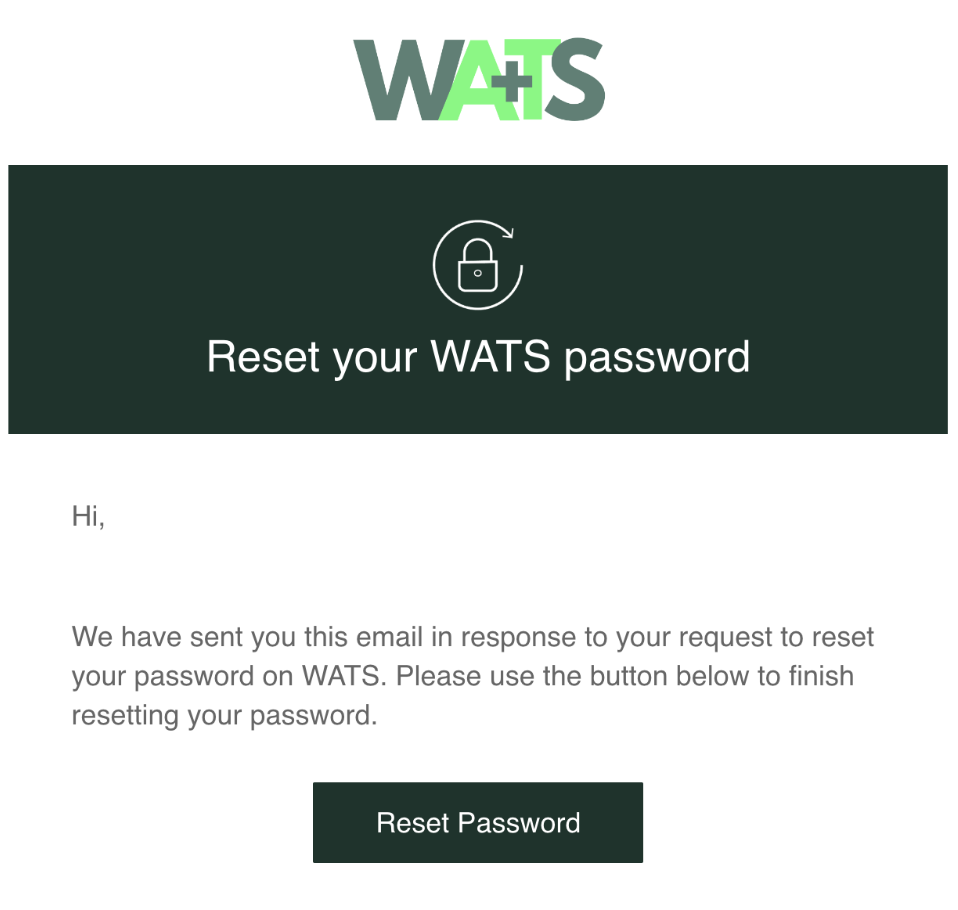
Check your email for the reset link from WATS Support
If you continue to have issues, let us know at support@getWATS.com